StremoTV StremoTV
  • Features
  • Screenshots
  • How It Works
  • Specs
  • Pricing
  • Resellers
  • Contact
  • FAQ
Manage Playlist Download
  • Features
  • Screenshots
  • How It Works
  • Specs
  • Pricing
  • Resellers
  • Contact
  • FAQ
  • Manage Playlist
A Look Inside

One player, every screen

The same beautifully designed StremoTV experience on Windows, your phone and the big screen — fast, organized and effortless everywhere.
StremoTV home on Windowsdesktop_windowsWindows · Home
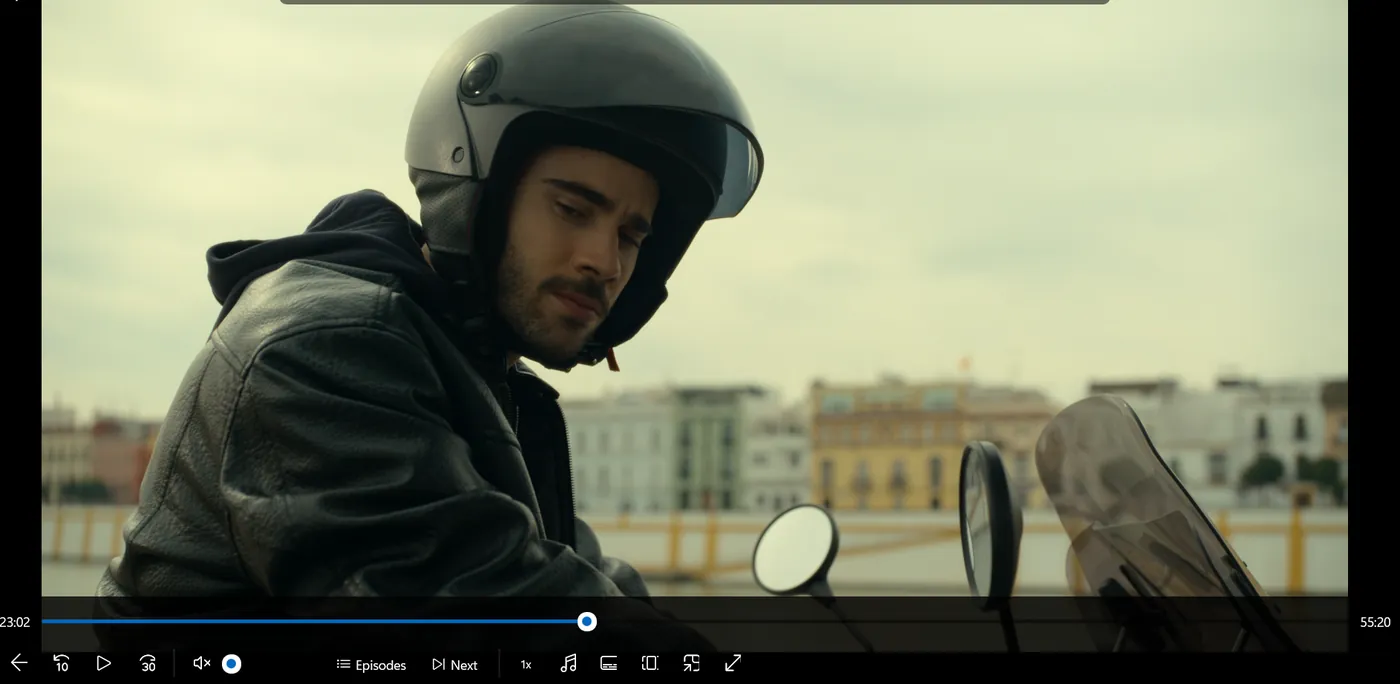
StremoTV player on Windowsplay_circleWindows · Player
StremoTV on Android TVtvAndroid TV
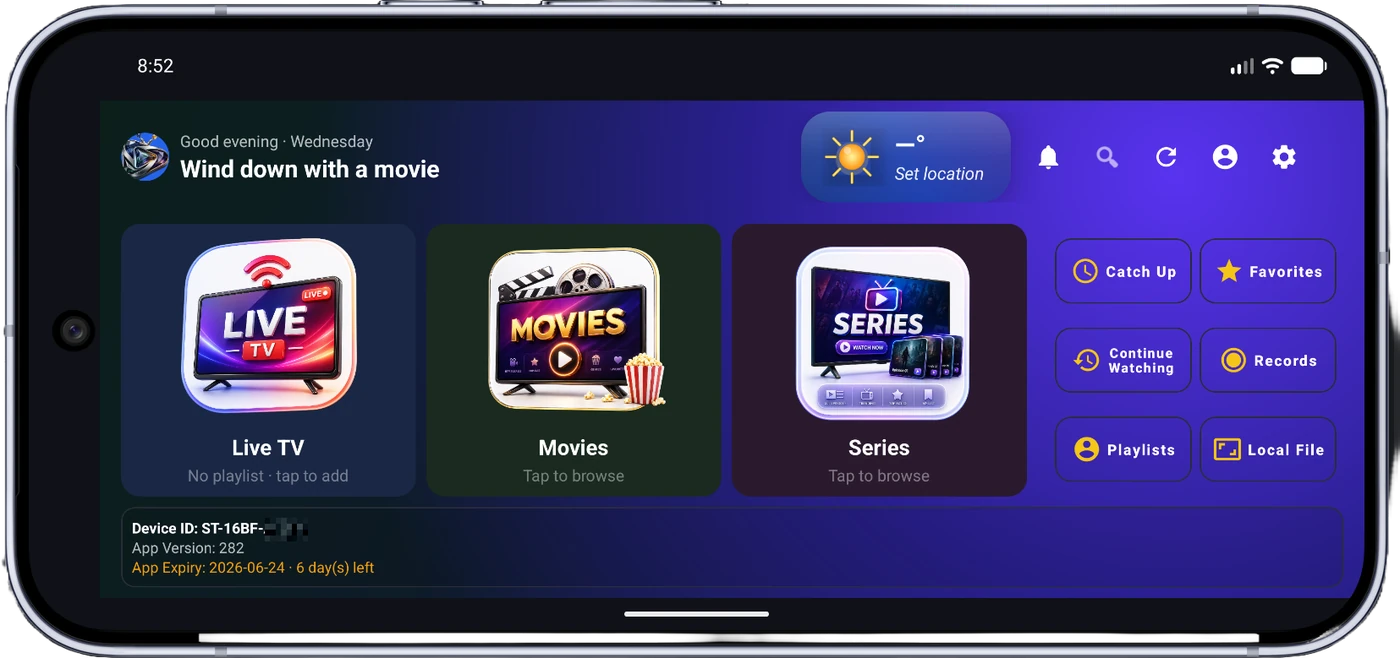
StremoTV on Android mobilesmartphoneAndroid · Mobile
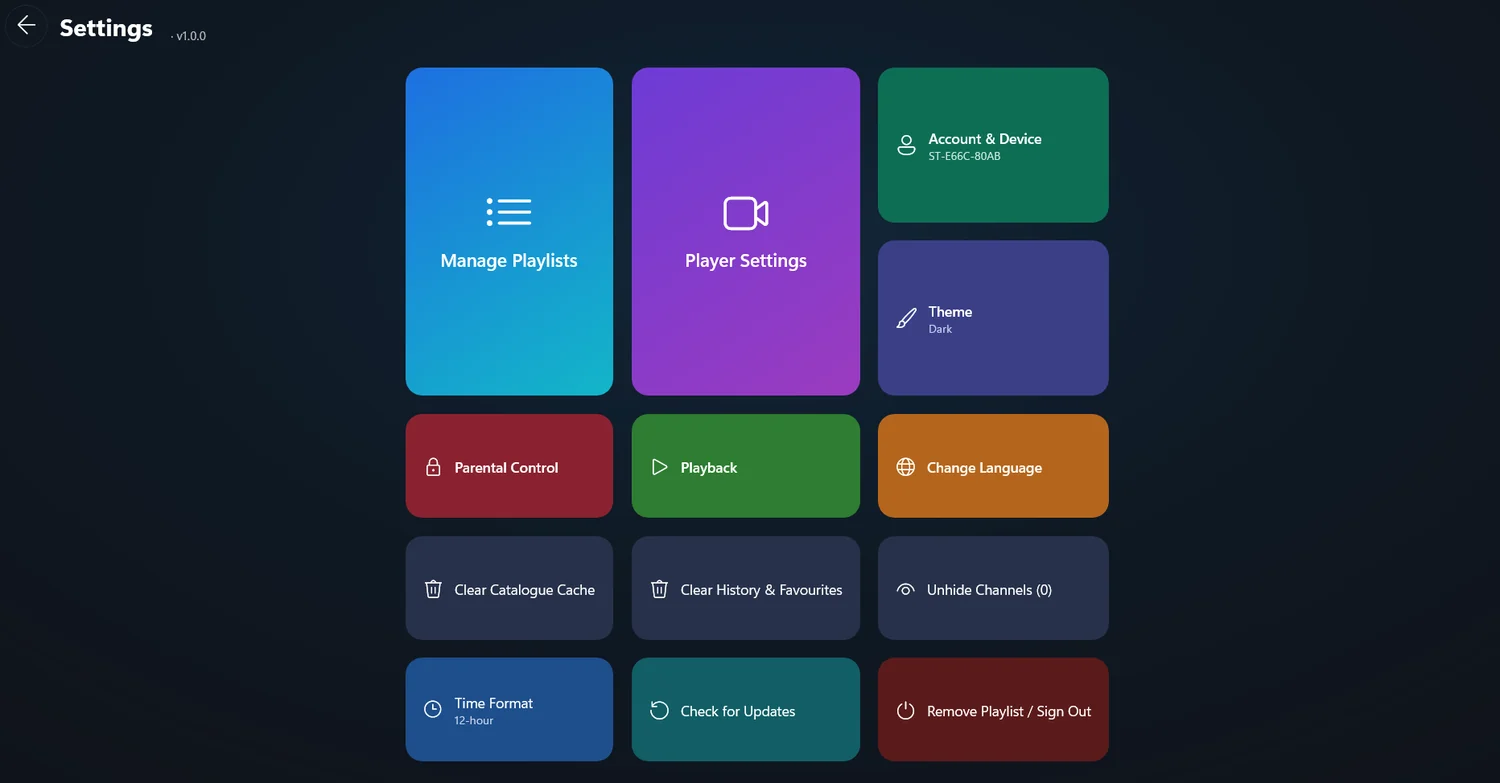
StremoTV settings on WindowssettingsWindows · Settings
StremoTV playlists on Windowsplaylist_playPlaylists

drag_panDrag to spin — one player, every screen
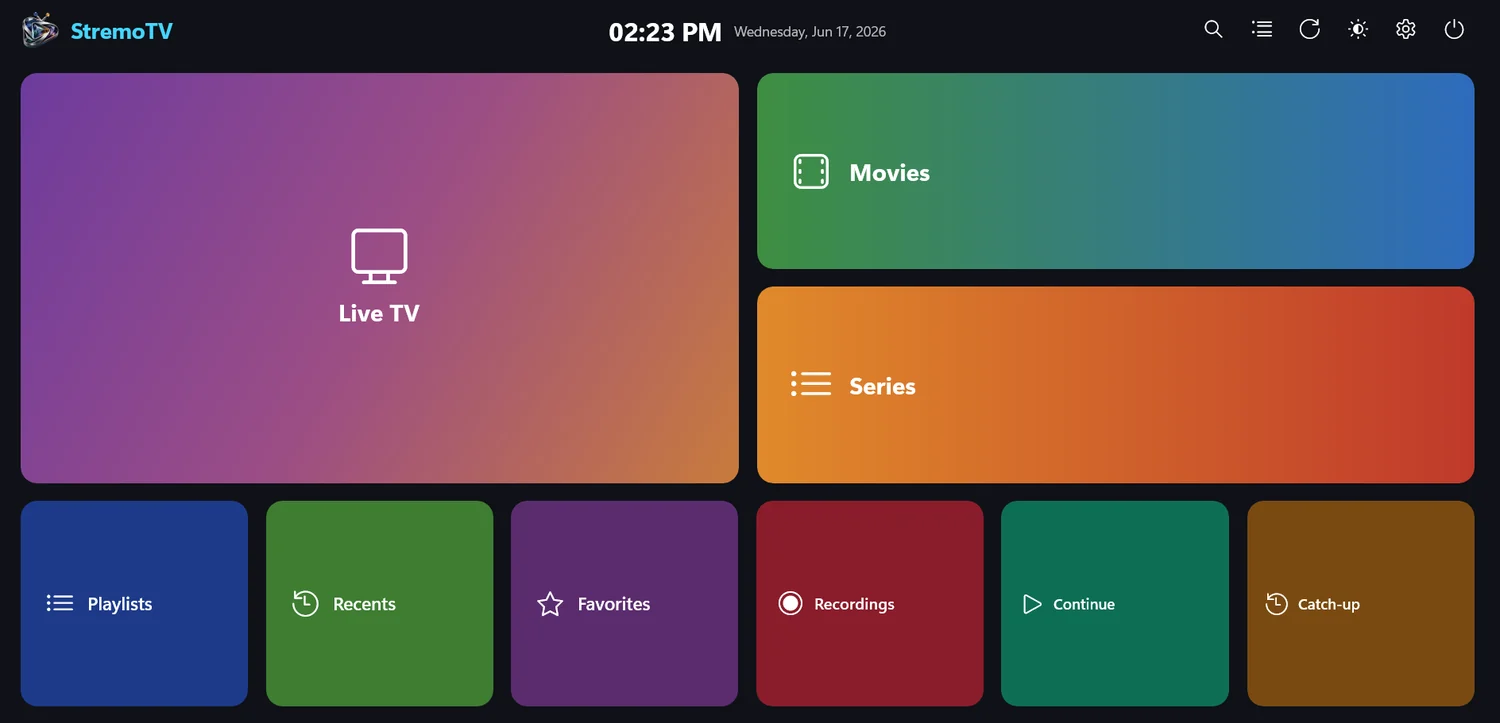
StremoTV home screen, dark theme
Dark & light themes, switch instantly
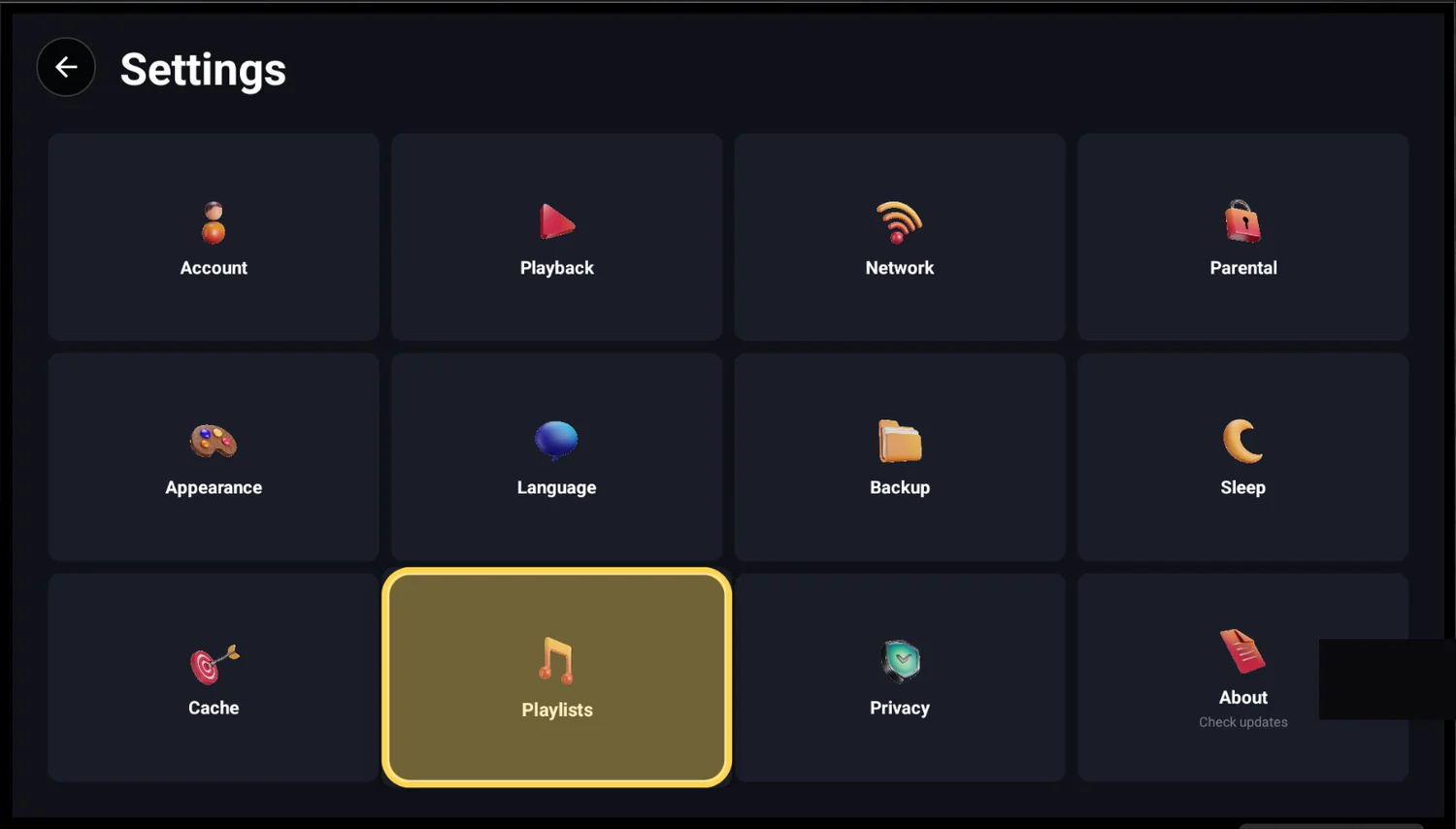
StremoTV settings screen
Everything configurable, beautifully organized
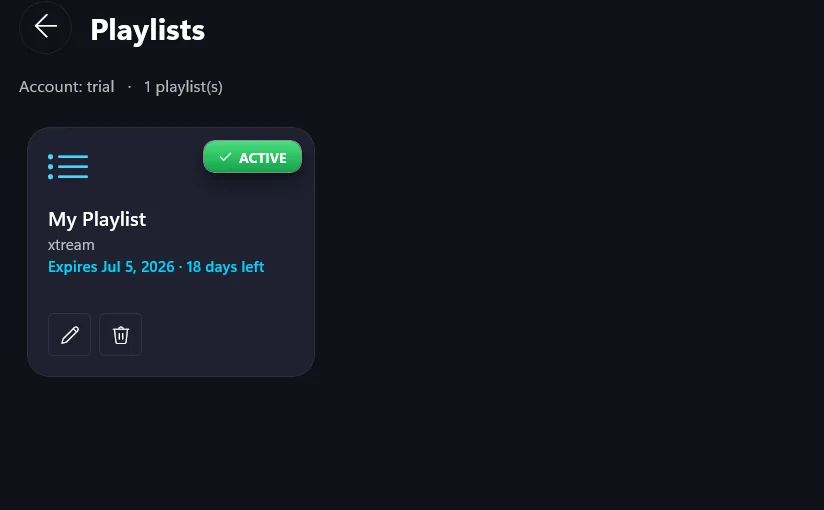
StremoTV playlist manager
Manage M3U & Xtream playlists, expiry at a glance
StremoTV media player with full controls
Smooth playback with full player controls
StremoTV on Android TV
Made for the big screen — Android TV
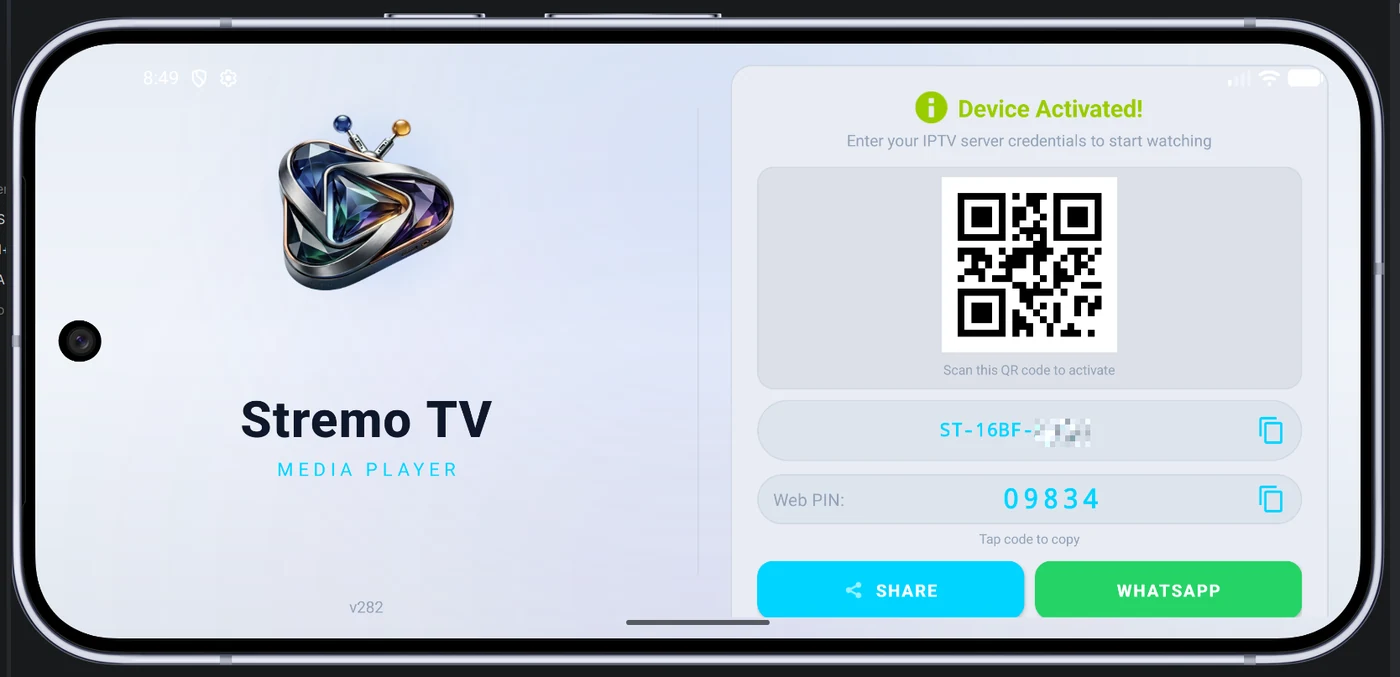
StremoTV device activation on mobile
Activate your device in seconds
StremoTV StremoTV

Your TV. Everywhere.

Premium media streaming player for Android and Android TV. Your media, your way.

Product

  • Features
  • How It Works
  • Specifications
  • Pricing
  • Screenshots
  • Downloads

For Partners

  • Reseller Program
  • Reseller Login
  • Contact Sales
  • FAQ

Legal

  • Privacy Policy
  • Terms of Service
  • Refund Policy
  • Pricing
  • [email protected]

StremoTV is a media player application. We do not provide, host or distribute any media content. Users are responsible for the content they access through their own playlists and credentials.

© 2026 StremoTV. All rights reserved.