New · Watch offline →
Now on Windows · Android · Android TV

Your TV.
Everywhere.

One gorgeous player for everything you watch — silky 4K, a full TV guide & Picture-in-Picture across Windows, Android & TV. Bring your own playlist.

hd 4K Ultra HD
memory H.265 HW decode
grid_view EPG guide
picture_in_picture PiP
download_for_offline Offline viewing
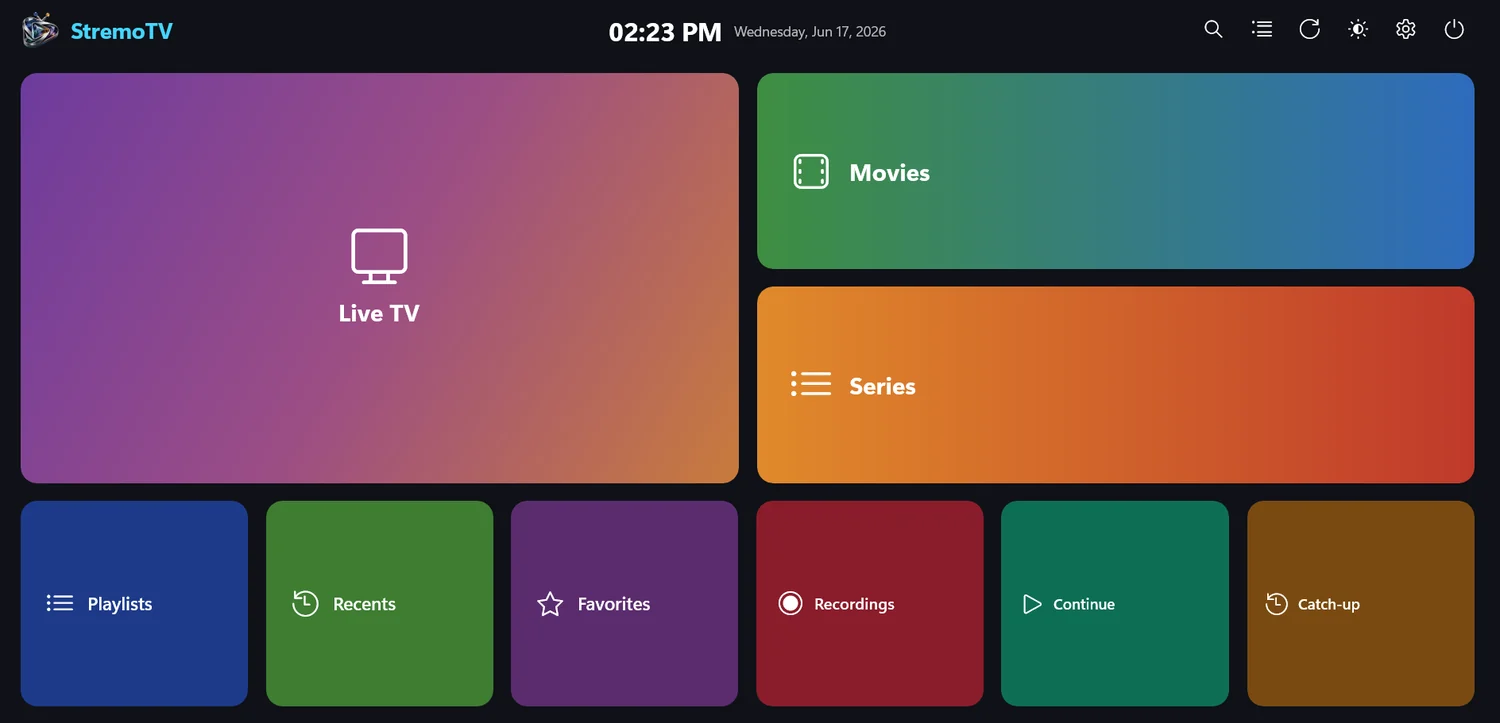
StremoTV — Windows
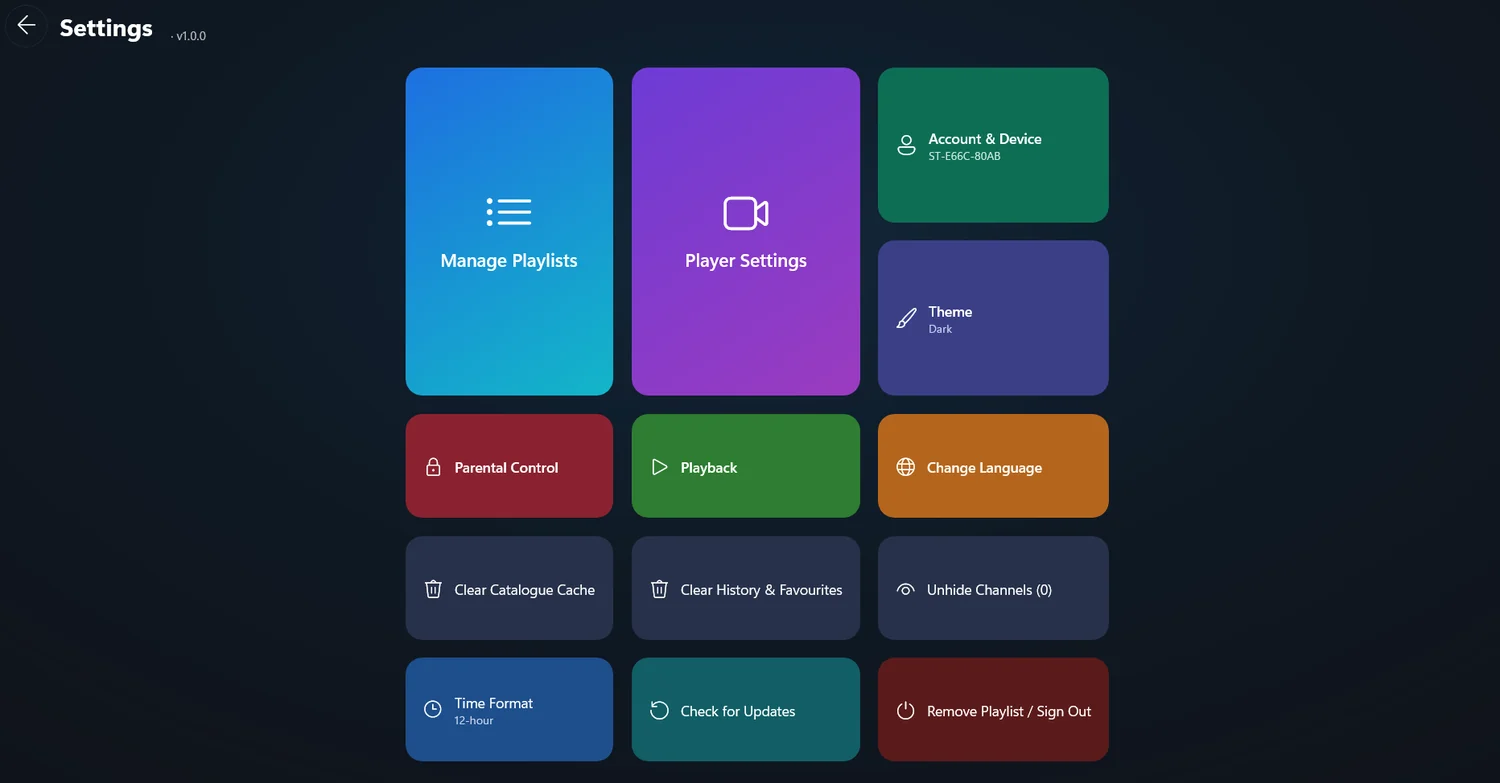
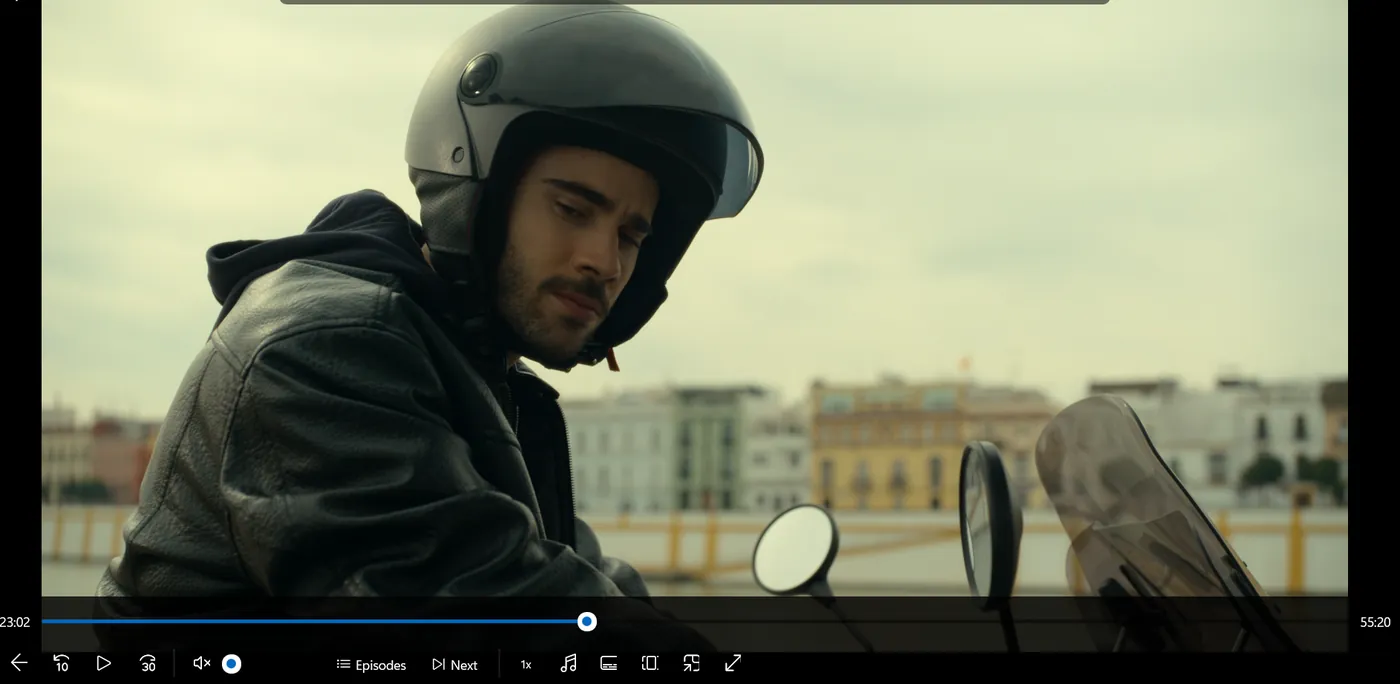
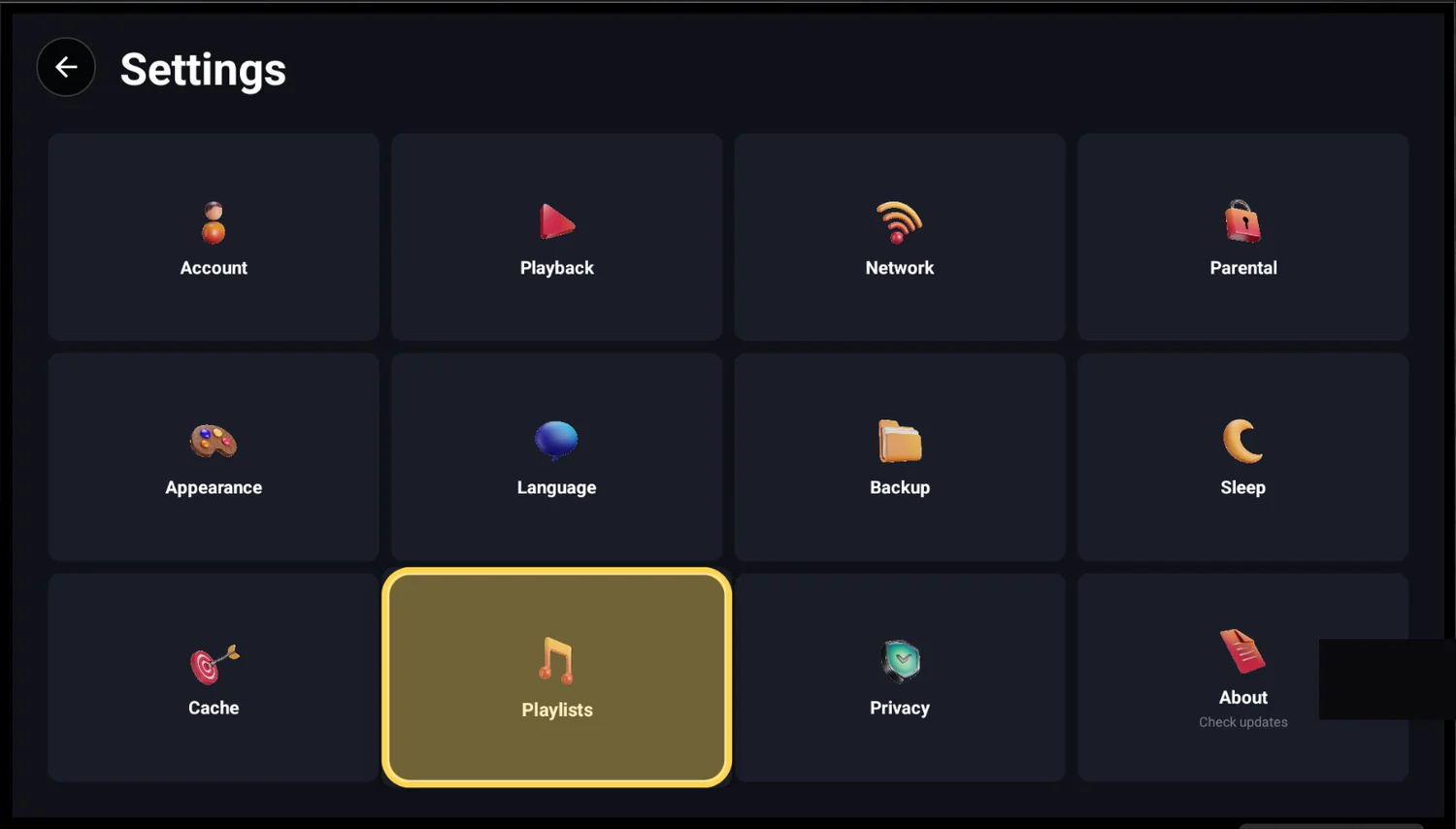
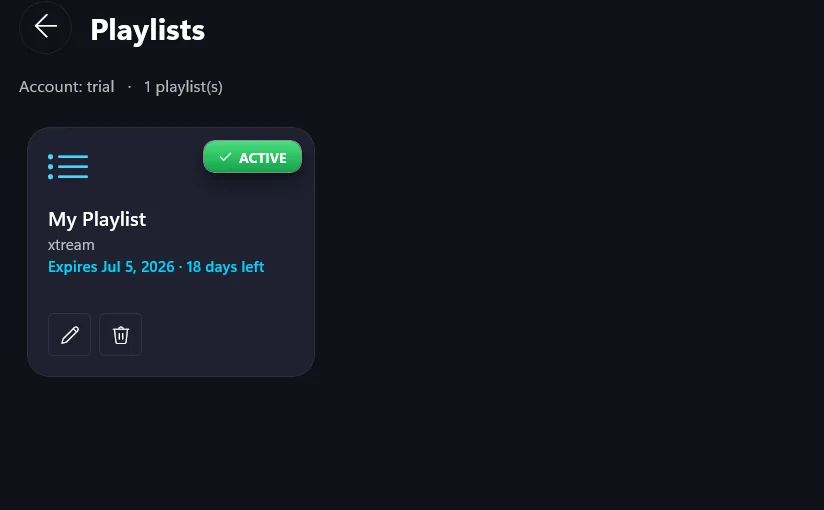
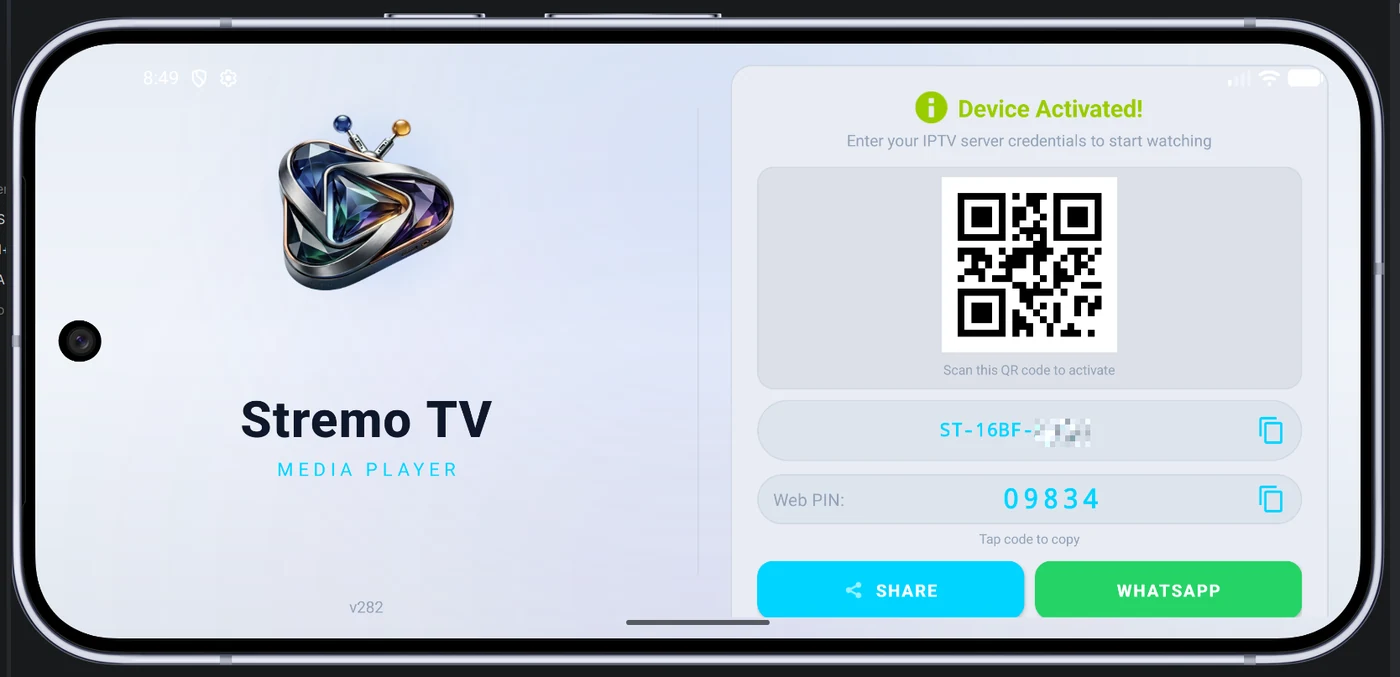
StremoTV home screen on Windows StremoTV settings on Windows StremoTV media player on Windows

Tap any category to see the feature that powers it

Your Media, Your Way

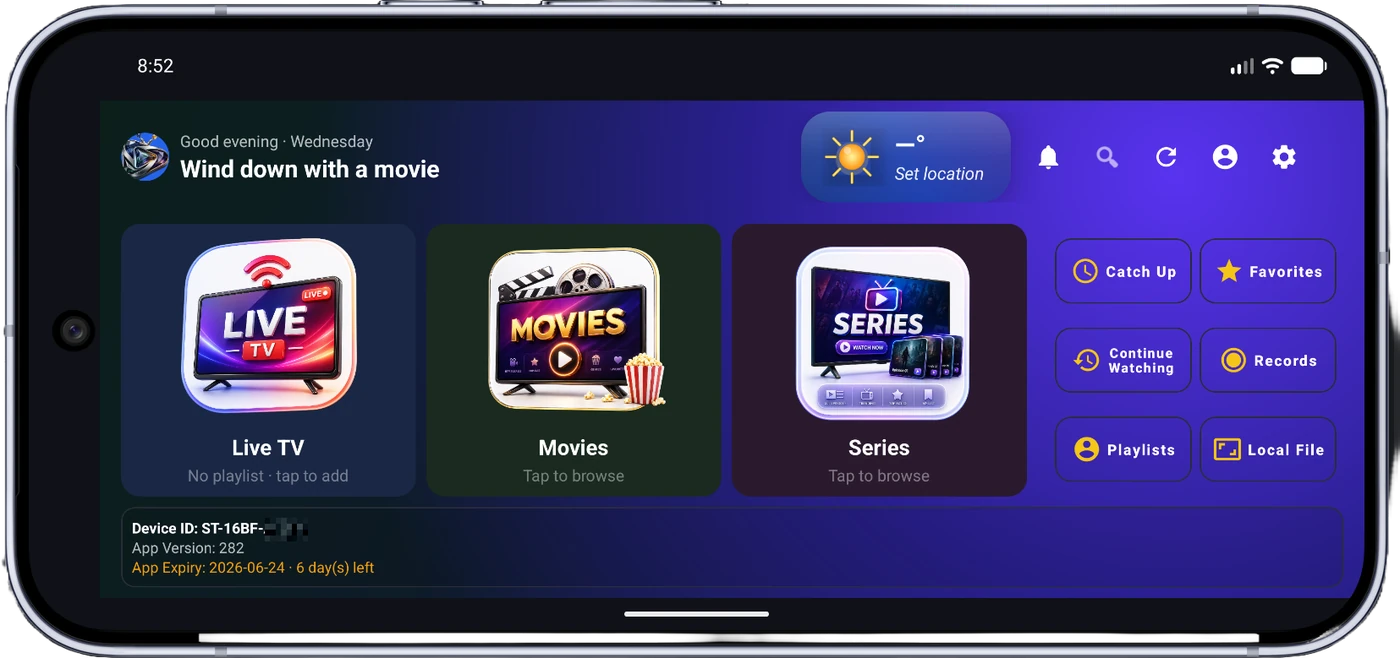
StremoTV is a next-generation media player for Android and Android TV. Add your own M3U playlist or Xtream API credentials and StremoTV turns your media library into a beautifully organized, TV-like experience.

Friends watching a live match together on the big screen with StremoTV

Add Your Playlist

Import M3U playlists or connect via Xtream Codes API. StremoTV supports all major playlist formats seamlessly.

Organize & Discover

Smart categories, favorites, custom groups and a rich EPG help you find and organize content effortlessly.

Watch Anywhere

From your phone to the big screen — smooth, buffer-free playback with hardware-accelerated decoding up to 4K.

Packed with Powerful Features

Everything you need for the perfect streaming experience, designed with precision and performance in mind.

New · Android

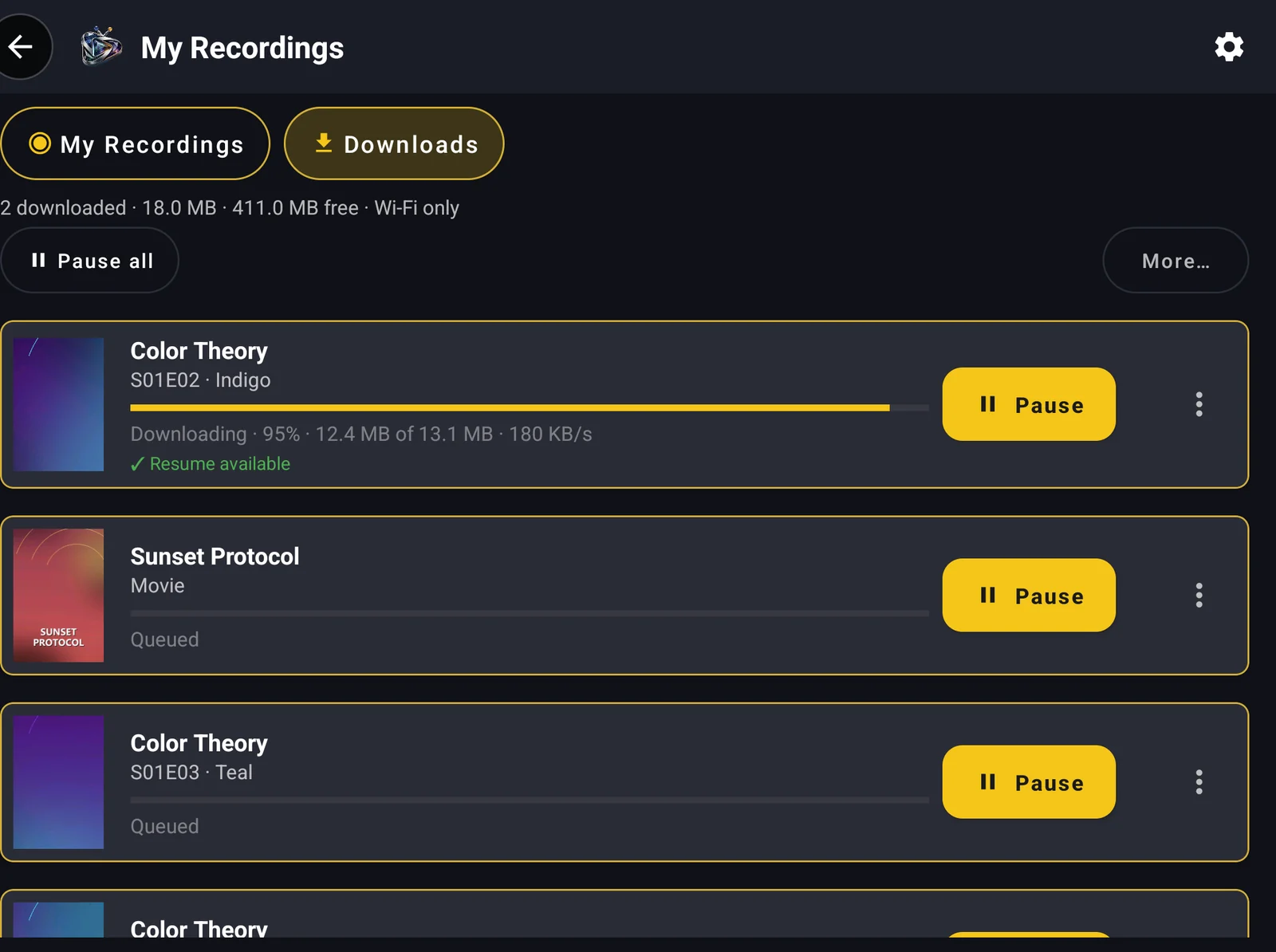
Watch offline

Save movies and whole seasons from your own playlist, then watch on a flight, on the road or anywhere without signal. Downloads resume after a drop, can stay on Wi-Fi only and can go to an SD card.

In the Android and Windows apps from our website. Save only content you have the right to download.

StremoTV downloads list showing progress, queued episodes and resume

Electronic Program Guide

Full multi-day program guide with real-time updates. See what's on now and next, never miss your content.

4K Ultra HD Playback

Crystal-clear video up to 4K with hardware-accelerated H.265/HEVC decoding for stutter-free performance.

Picture-in-Picture

Watch in a floating window while using other apps. Multitask without missing a moment.

Smart Favorites & Groups

Create custom channel groups, mark favorites and organize your library exactly how you want it.

Multi-Format Support

M3U playlists, Xtream Codes API, HLS streams — StremoTV handles them all in one player.

Adaptive Quality

Auto, 480p, 720p, 1080p or 4K — pick your quality or let StremoTV auto-adjust for the best experience.

Gesture Controls

Intuitive swipe gestures for volume, brightness and seeking. Control everything with a natural touch.

Playback Speed Control

Speed up or slow down from 0.5x to 2x — perfect for catching up or detailed viewing.

Parental Controls

PIN-based screen lock keeps content secure and protects sensitive content from unauthorized access.

Subtitle Support

Full subtitle and closed-caption support with multi-audio track selection. Watch in any language.

Backup & Restore

Cloud backup for favorites, groups, settings and history. Switch devices without losing anything.

Sleep Timer

Set a timer and relax. StremoTV stops playback after your chosen duration. Fall asleep worry-free.

Recording & Catch-up

Record live channels and watch later, or use catch-up to revisit what already aired. Your recordings stay neatly organized with thumbnails.

Up and Running in 3 Simple Steps

01

Download StremoTV

Get StremoTV from Google Play or download the APK directly. Install in seconds on any Android device.

02

Add Your Playlist

Enter your M3U URL or Xtream credentials. StremoTV auto-organizes your library with categories and EPG.

03

Enjoy Watching

Stream with EPG, favorites, PiP, gesture controls and more. Your media, elevated.

Built for Performance

Under the hood, StremoTV is powered by cutting-edge technology for the smoothest streaming experience.

movie
Video Codecs
H.264H.265/HEVCVP9AV1
4k
Max Resolution
4K Ultra HD (2160p)
memory
Decoder
Hardware & Software Acceleration
playlist_play
Playlist Formats
M3UM3U8Xtream Codes API
stream
Stream Protocols
HLSMPEG-DASHRTSPHTTP
graphic_eq
Audio
Multi-trackAACAC3DTS
subtitles
Subtitles
SRTSSAVTTDVBTeletext
hourglass_top
Buffer Modes
SmallMediumLargeVery Large
aspect_ratio
Aspect Ratios
FitFill16:94:3
devices
Platform
AndroidAndroid TVWindows 10/11
rocket_launch
Playback Engine
ExoPlayer (Android)LibVLC (Windows)
cast
Devices
PhoneTabletTV BoxFire Stick

Grow Your Business With StremoTV

Join our reseller program and offer your customers a premium player experience with a powerful management dashboard.

Reseller Dashboard

Full web panel to manage customers, devices, subscriptions and credits — all in one place.

Credit-Based System

Flexible credits for instant device activation. Buy in bulk and activate subscriptions on the fly.

Device Management

Track all customer devices, status, plans and expiry. Block, unblock or renew in one click.

Analytics & Reports

Track revenue, activations, trial conversions and performance with detailed analytics and logs.

Free Trial System

Give customers 24-hour free trials to showcase quality before purchase, funded from your trial budget.

24/7 WhatsApp Support

Dedicated support via WhatsApp. We're always available to help you grow and resolve issues fast.

Frequently Asked Questions

StremoTV

Ready to elevate your
streaming experience?

Download StremoTV today. Crystal-clear quality, powerful features and a beautiful design await.

verified Recommended

Google Play

One-tap install and automatic updates on Android phones, tablets and Android TV.

shop Get on Google Play
verified Recommended

Microsoft Store

One-click install with automatic updates and no security prompts on Windows 10 and 11.

storefront Get on Microsoft Store

Or install directly

download_for_offline The APK includes offline downloads.

Android 5.0+ & Android TV  ·  Windows 10/11 (64-bit)

Pricing

A one-time activation that unlocks all premium features of the StremoTV media player. No subscription, no auto-renewal. Add your own M3U or Xtream playlist.

12 Months
$3.49
one-time · 6 months access
  • ✓ All premium player features
  • ✓ Use your own M3U / Xtream playlists
  • ✓ Up to 10 playlists · multi-device
  • ✓ Free app updates
Get Activation
24 Months · Best value
$5.49
one-time · 12 months access
  • ✓ Everything in 12 Months
  • ✓ Best price per month
  • ✓ Priority email support
  • ✓ Free app updates
Get Activation

All prices in USD. Also available via in-app purchase on Google Play and through authorized resellers. See the full pricing page · Refund policy · Terms.

Contact us

Questions about activation, billing or your account? Our support team is here to help.

mail
Email support
[email protected]

⏱️ Typical response time: within 24–48 hours.

Operated by Stremo TV. For purchase or refund enquiries, email us with your Device Code.